
How to Install IPTV Stream Player on Firestick (2026 Guide)
Learn how to install IPTV Stream Player on Firestick. Step-by-step guide for U.S. and U.K. users to set up and stream IPTV safely.
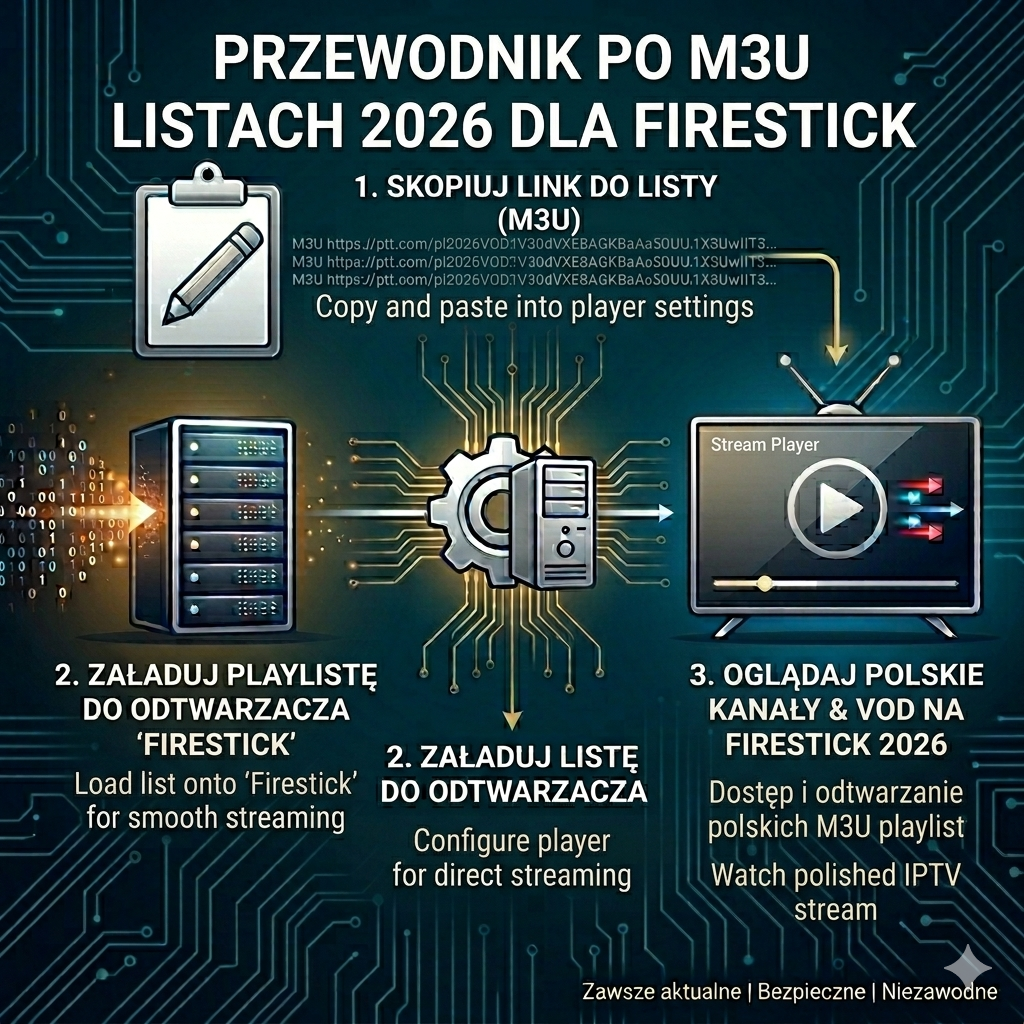
📺 What Is IPTV Stream Player?
IPTV Stream Player is a free app that lets you watch live TV, movies, and on-demand content using IPTV playlists (M3U links or Xtream Codes). It’s lightweight, easy to use, and works perfectly on Amazon Firestick devices.
⚙️ How to Install IPTV Stream Player on Firestick
1
Enable Unknown Sources
Firestick requires this setting to install apps outside the Amazon Store.
Go to Settings → My Fire TV → Developer Options
- Turn on Apps from Unknown Sources
- Enable ADB Debugging (optional)
2
Install Downloader App
Downloader is the easiest tool to fetch APK files.
Open Amazon App Store → Search → Downloader
- Download and install the app
- Grant permissions when prompted
3
Download IPTV Stream Player APK
Use Downloader to fetch the IPTV Stream Player installation file.
Open Downloader → Enter APK URL → Go
- Enter the official IPTV Stream Player link
- Wait for the file to download
4
Install the App
Once the APK is downloaded, install it directly on Firestick.
- Click Install
- Wait for installation to finish
- Select Open to launch
5
Configure IPTV Stream Player
Add your IPTV playlist or Xtream Codes to start streaming.
- Enter your M3U playlist URL
- Save settings
- Start watching live TV and on-demand content
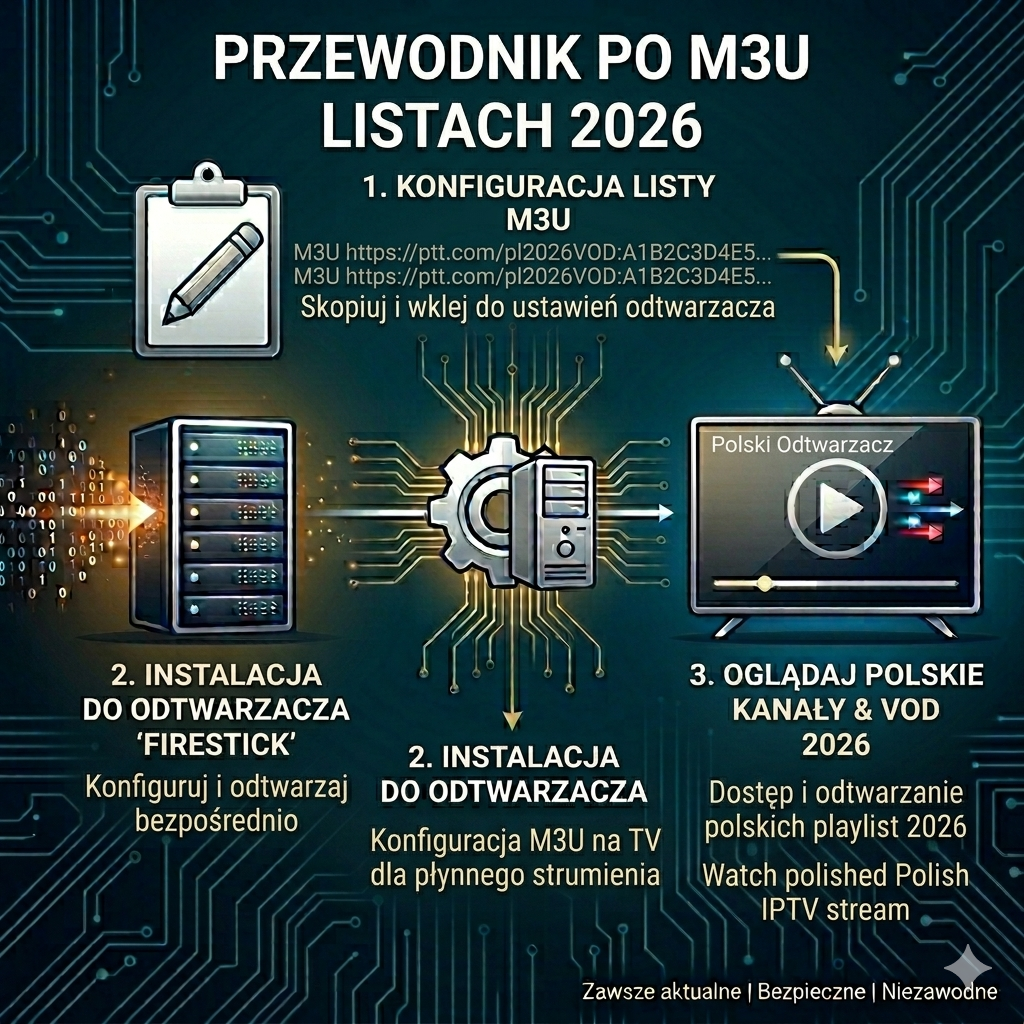
🌍IPTV Stream Player in the U.S. and U.K.
- United States: Popular among cord-cutters using Firestick. Works with most IPTV providers.
- United Kingdom: Compatible with Sky IPTV alternatives and Freeview Play.
- Legal Note: Always use licensed IPTV providers. Pirated streams may be blocked or unsafe.
🔒 Safety Tips
- ✅ Use a VPN to protect privacy and bypass geo-restrictions.
- ✅ Download APKs only from official sources.
- ❌ Avoid third-party “free IPTV” sites — they may contain malware.
- ✅ Keep your Firestick updated for smooth performance.
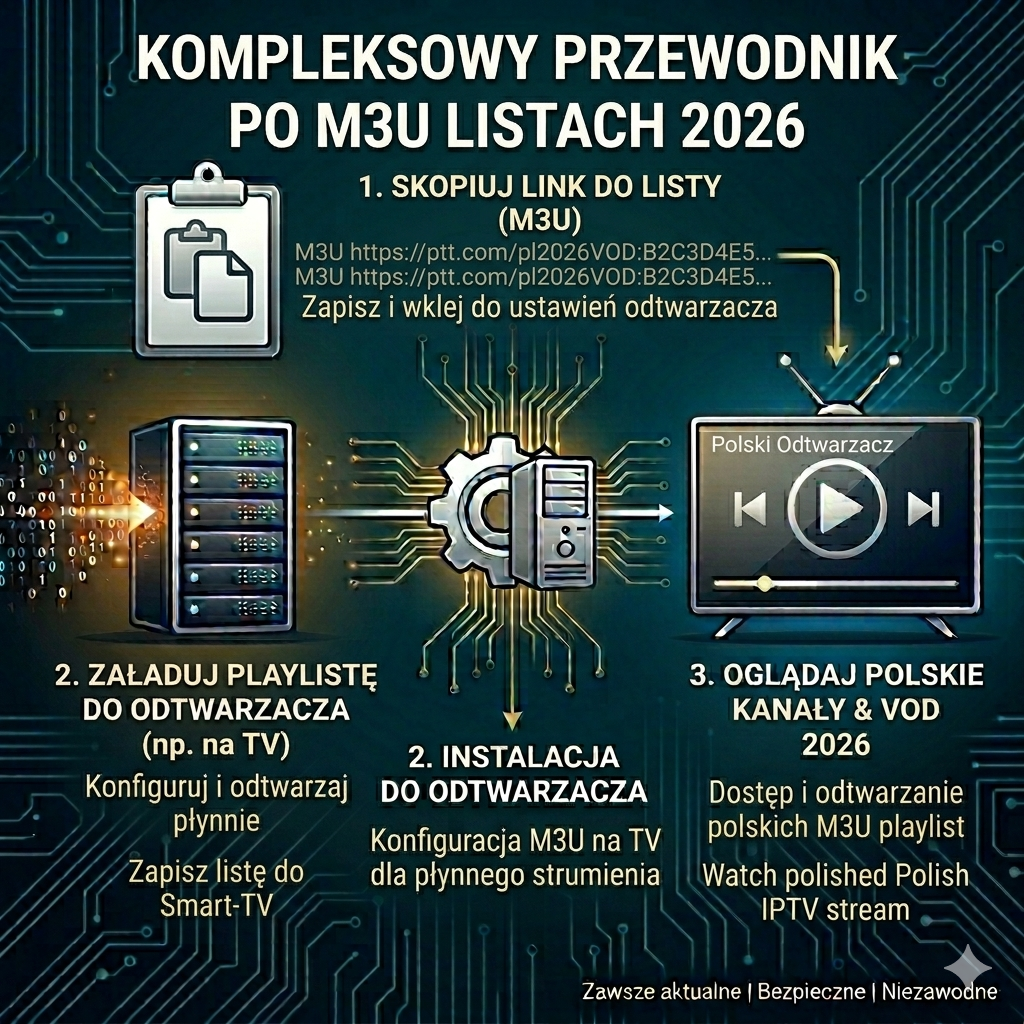
🚀 Why Choose IPTV Stream Player?
- Easy setup with Firestick.
- Supports M3U and Xtream Codes.
- Lightweight app with smooth performance.
- Customizable interface for playlists and EPG.
❓ FAQ – How to Install IPTV Stream Player on Firestick
Is IPTV Stream Player free? Yes, the app is free, but you need an IPTV subscription to access channels.
Can I install it without Downloader? Yes, you can sideload via ES File Explorer, but Downloader is easier.
Do I need a VPN? Highly recommended for privacy and to avoid ISP throttling.
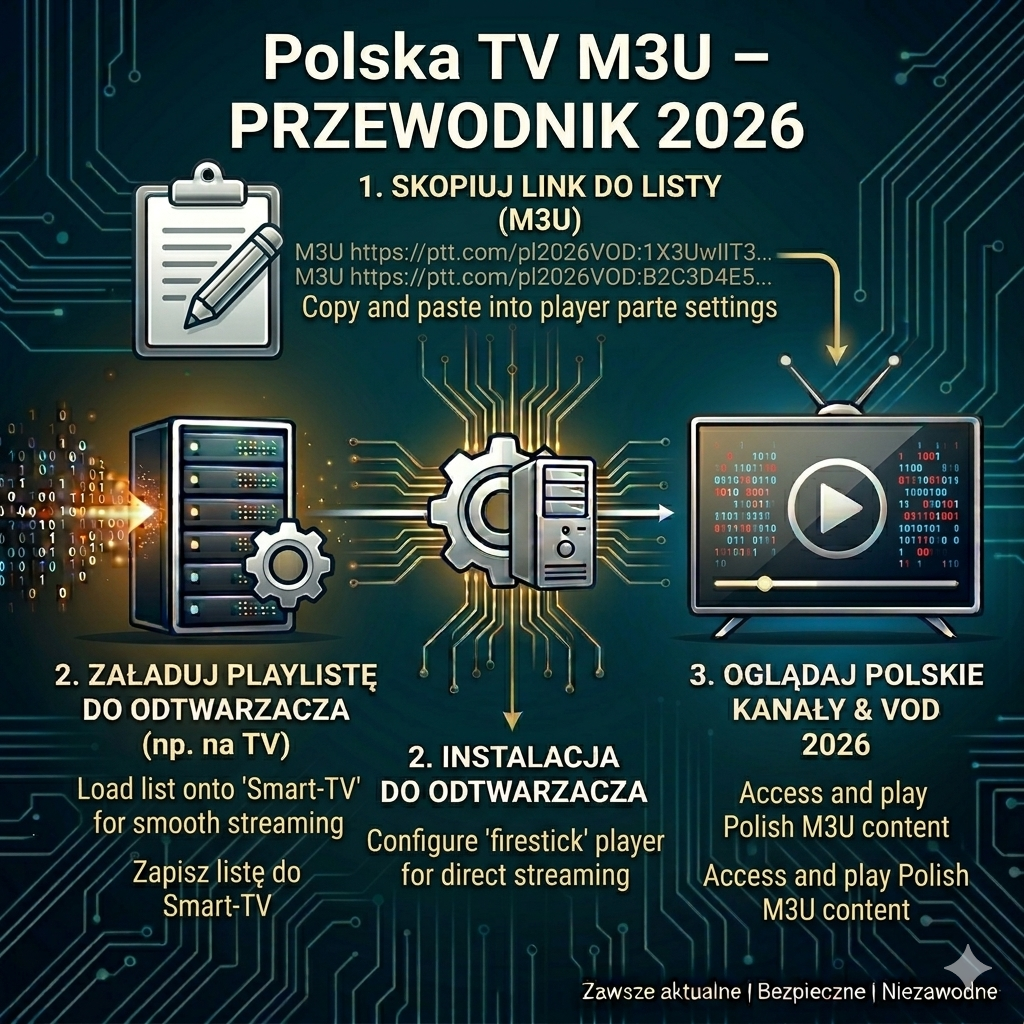
✅Final Thoughts
If you’re wondering how to install IPTV Stream Player on Firestick, the process is simple: enable unknown sources, install Downloader, fetch the APK, and configure your playlist. With the right IPTV provider and a VPN, you’ll enjoy a seamless streaming experience in both the U.S. and U.K..
 English (United States)
  French (France)
  German
  Spanish
  English (UK)
  English (Canada)
  Arabic
  Dutch
Dutch  French (Canada)
  Italian
  Swedish
  Norwegian
  Norwegian
  Icelandic