
How to Get IPTV Smarters Pro on Firestick (2026 Step-by-Step Guide)
how to get iptv smarters pro on firestick: IPTV Smarters Pro is one of the most popular IPTV player apps available today, known for its clean interface, EPG (electronic program guide) support, and compatibility with almost every IPTV subscription, including Flexe IPTV. If you own an Amazon Firestick and want to stream live TV, movies, and series smoothly, installing IPTV Smarters Pro is one of the best decisions you can make.
In this guide, we’ll walk you through exactly how to download, install, and set up IPTV Smarters Pro on your Firestick, step by step.
What Is IPTV Smarters Pro?
how to get iptv smarters pro on firestick: IPTV Smarters Pro is a third-party IPTV player application that allows users to stream content from IPTV providers using M3U playlists or Xtream Codes API. It supports live TV, video on demand (VOD), series, EPG, multi-screen, catch-up TV, and parental controls, making it a favorite among IPTV users worldwide.
Why Use IPTV Smarters Pro on Firestick?
- Simple, user-friendly interface optimized for TV screens
- Supports Xtream Codes login and M3U URL
- Built-in EPG for live TV schedules
- Multi-device and multi-profile support
- Smooth performance even with large channel lists
- Fully compatible with Flexe IPTV subscriptions
Before You Start: What You’ll Need
- An Amazon Firestick (any generation)
- A stable internet connection (minimum 15-20 Mbps recommended)
- An active Flexe IPTV subscription (your login credentials or M3U URL)
- A few minutes of setup time
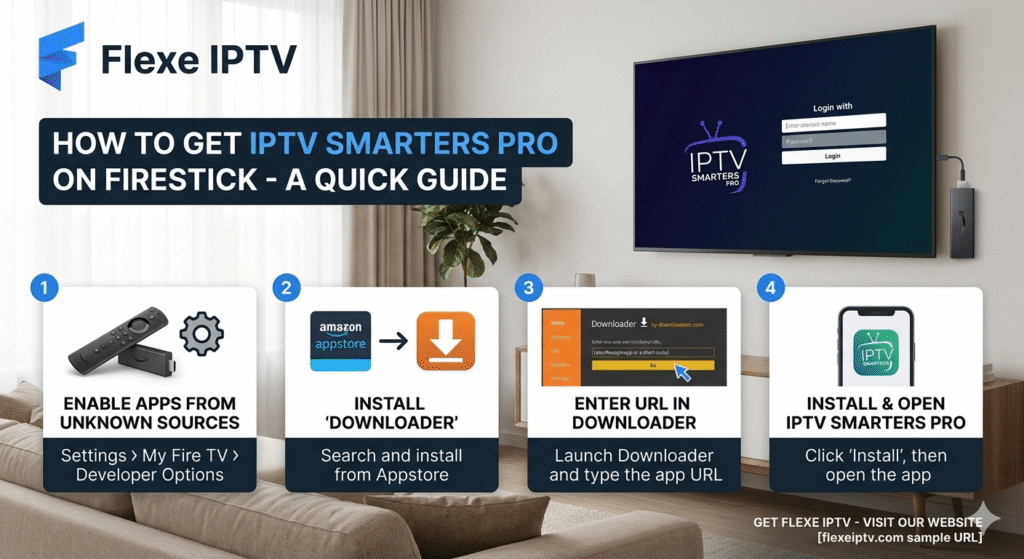
Step 1: Enable Apps from Unknown Sources
how to get iptv smarters pro on firestick: Since IPTV Smarters Pro isn’t available on the official Amazon App Store in most regions, you’ll need to allow installation from unknown sources.
- From the Firestick home screen, go to Settings
- Select My Fire TV
- Click on Developer Options
- Turn on Apps from Unknown Sources
- Confirm by selecting Turn On when prompted
Step 2: Download the Downloader App
how to get iptv smarters pro on firestick: The Downloader app lets you install APK files directly onto your Firestick.
- Go back to the Firestick home screen
- Use the search bar (magnifying glass icon) and type Downloader
- Select the Downloader app from the results and click Download/Get
- Wait for it to install, then open it
Step 3: Install IPTV Smarters Pro APK
- Open the Downloader app
- On the home screen, select the search/URL bar
- Type in the official IPTV Smarters Pro download link (search “IPTV Smarters Pro APK download” to find the current official URL)
- Press Go and wait for the file to download
- Once downloaded, select Install
- Wait for the installation to complete, then click Open
Step 4: Log In with Your Flexe IPTV Credentials
how to get iptv smarters pro on firestick: Once IPTV Smarters Pro opens for the first time, you’ll be asked to add a playlist. You have two options:
Option A: Xtream Codes API (Recommended)
- Select Login with Xtream Codes API
- Enter a name for your playlist (e.g., “Flexe IPTV”)
- Enter the Server URL, Username, and Password provided by Flexe IPTV
- Click Add User
Option B: M3U URL
- Select Load Your Playlist or File/URL
- Enter a name for your playlist
- Paste the M3U URL provided by Flexe IPTV
- Click Add User
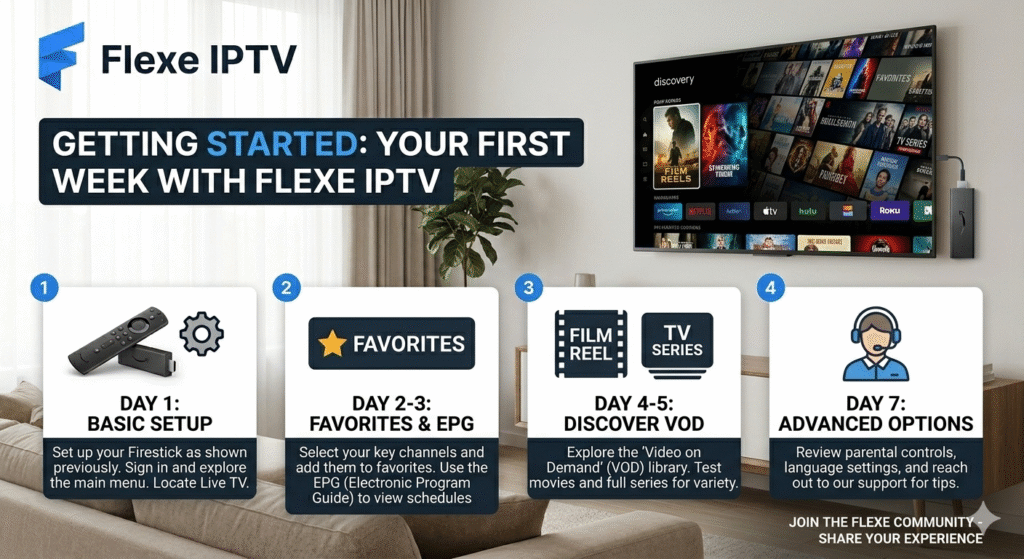
Step 5: Start Streaming
how to get iptv smarters pro on firestick; Once your playlist loads, you’ll see categories such as Live TV, Movies, Series, and Catch-Up. Simply navigate using your remote, select a channel or title, and enjoy streaming in just a few seconds.
how to get iptv smarters pro on firestick: Troubleshooting Common Issues
App won’t install: Make sure “Apps from Unknown Sources” is enabled and that you have enough storage space on your Firestick.
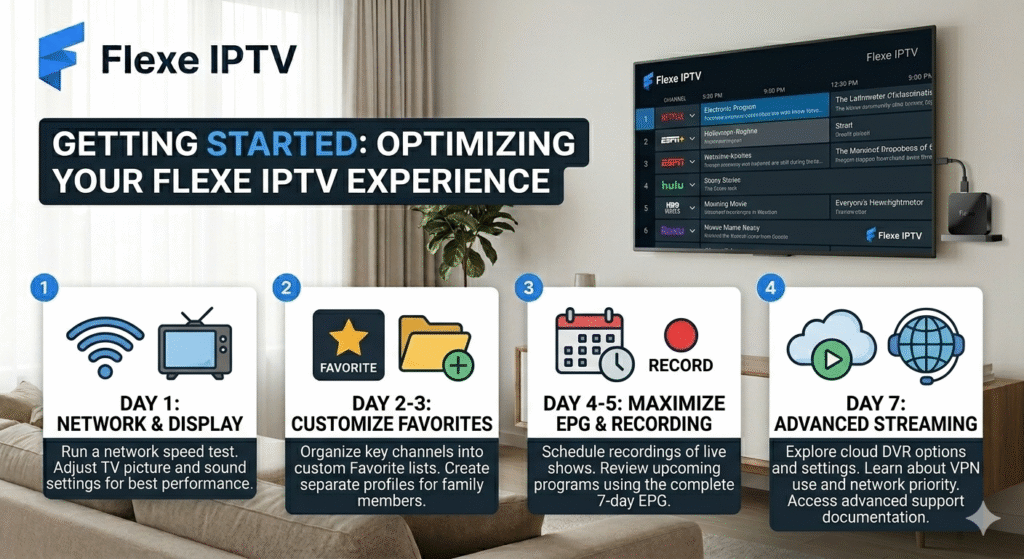
Channels buffering: Check your internet speed. A wired connection or a strong Wi-Fi signal close to your router significantly improves streaming quality.
Login not working: Double-check your Flexe IPTV credentials or M3U URL for typos. Reach out to Flexe IPTV support if the issue persists.
App crashes: Clear the app cache via Settings > Applications > Manage Installed Applications > IPTV Smarters Pro > Clear Cache.
Final Thoughts
Setting up IPTV Smarters Pro on your Firestick takes less than 10 minutes and unlocks a powerful, flexible streaming experience for your Flexe IPTV subscription. With live TV, VOD, and series all in one app, it’s the ideal companion for cord-cutters looking for a premium streaming setup.
Ready to get started? Grab your Flexe IPTV subscription today and follow this guide to enjoy seamless streaming in minutes.
 English (United States)
  French (France)
  German
  Spanish
  English (UK)
  English (Canada)
  Arabic
  Dutch
Dutch  French (Canada)
  Italian
  Swedish
  Norwegian
  Norwegian
  Icelandic