
How to Download IPTV Smarters on Firestick (Easy Guide 2026)
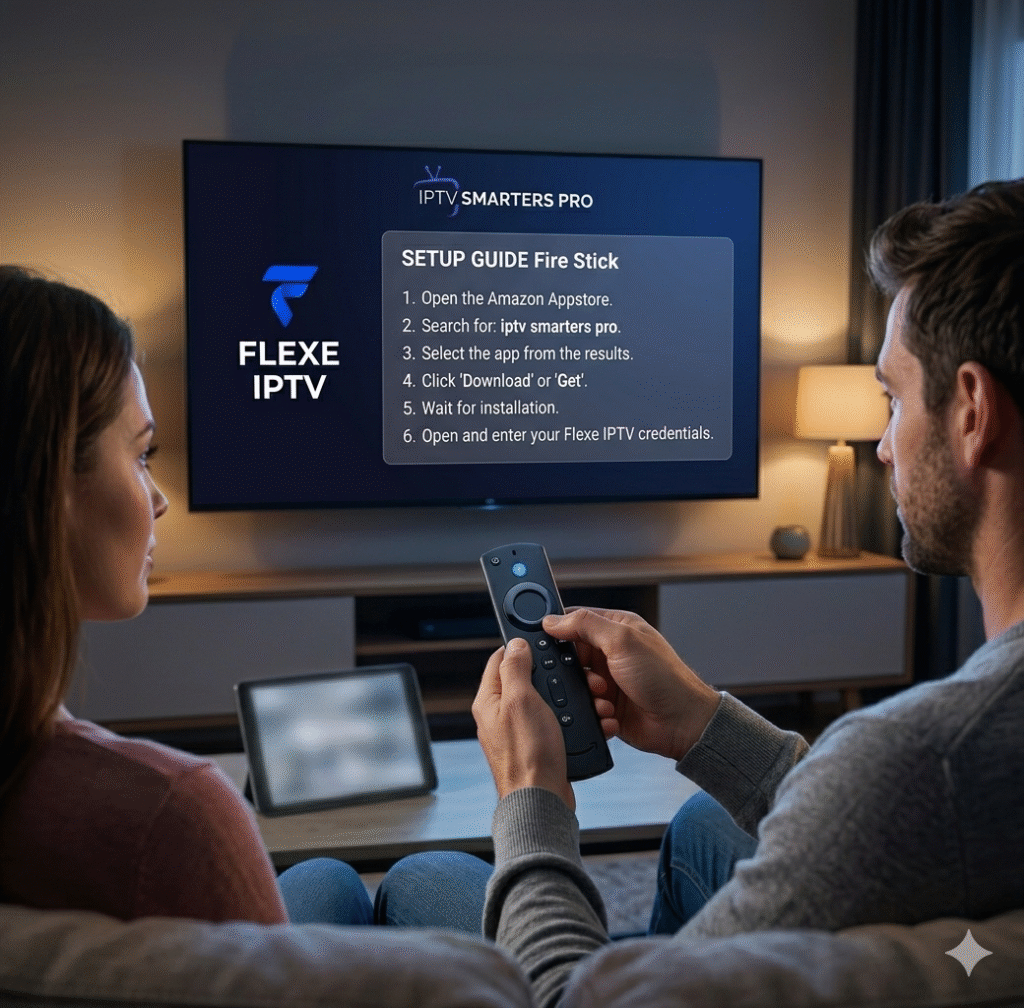
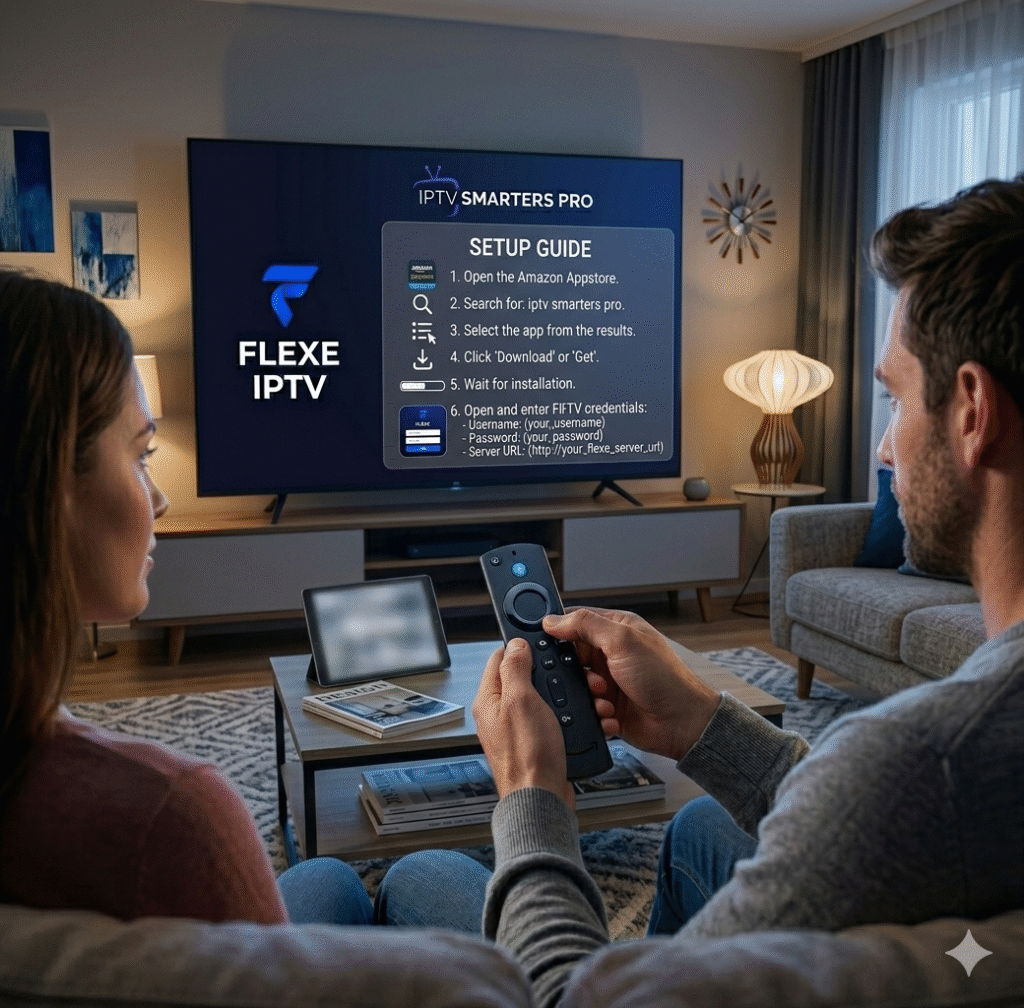
To download IPTV Smarters on Firestick, install the Downloader app, enable unknown sources, enter the IPTV Smarters download URL, install the app, and log in with your IPTV credentials. The process takes less than 5 minutes.
What You Need Before You Start
Before learning how to download IPTV Smarters on Firestick, make sure you have:
- An Amazon Fire TV Stick
- A stable internet connection
- An active IPTV subscription (like Flexe IPTV)
- The Downloader app
🏆 Step-by-Step: How to Download IPTV Smarters on Firestick
Follow these simple steps:
🔥 Step 1: Enable Unknown Sources
- Go to Settings on Firestick
- Click “My Fire TV”
- Open “Developer Options”
- Turn ON “Apps from Unknown Sources”
📥 Step 2: Install Downloader App
- Go to Search
- Type “Downloader”
- Install the app
👉 This app allows you to download IPTV Smarters directly.
🌐 Step 3: Download IPTV Smarters
- Open Downloader
- Enter IPTV Smarters download URL
- Click Go
- Wait for download to finish
📲 Step 4: Install the App
- Click Install
- Wait for installation
- Open IPTV Smarters
🔑 Step 5: Login and Start Streaming
- Choose Xtream Codes or M3U login
- Enter IPTV credentials
- Start watching live TV
👉 Now your Firestick is ready.
🔥 Why Use IPTV Smarters on Firestick?
People searching how to download IPTV Smarters on Firestick want:
- ✔️ Easy setup
- ✔️ Smooth streaming
- ✔️ Clean interface
- ✔️ Multi-device support
👉 IPTV Smarters delivers all of that.
📱 Best IPTV App for Firestick
The most popular app is:
- IPTV Smarters Pro
👉 It works perfectly with Firestick and IPTV services like Flexe IPTV.
🚀 Best Setup for Smooth Streaming
For best performance:
- Use IPTV Smarters
- Use a stable IPTV provider like Flexe IPTV
- Ensure 20+ Mbps internet speed
👉 This prevents buffering and lag.
⚠️ Common Issues & Fixes
❌ App not installing
✔️ Enable unknown sources
❌ Buffering
✔️ Use stable internet + good IPTV provider
❌ Login error
✔️ Check IPTV credentials carefully
❓ FAQ
How to download IPTV Smarters on Firestick?
Install Downloader, enable unknown sources, download IPTV Smarters, and log in with IPTV details.
Is IPTV Smarters available on Firestick?
Yes, but you must install it manually.
Do I need IPTV subscription?
Yes, IPTV Smarters is just a player.
🚀 Conclusion
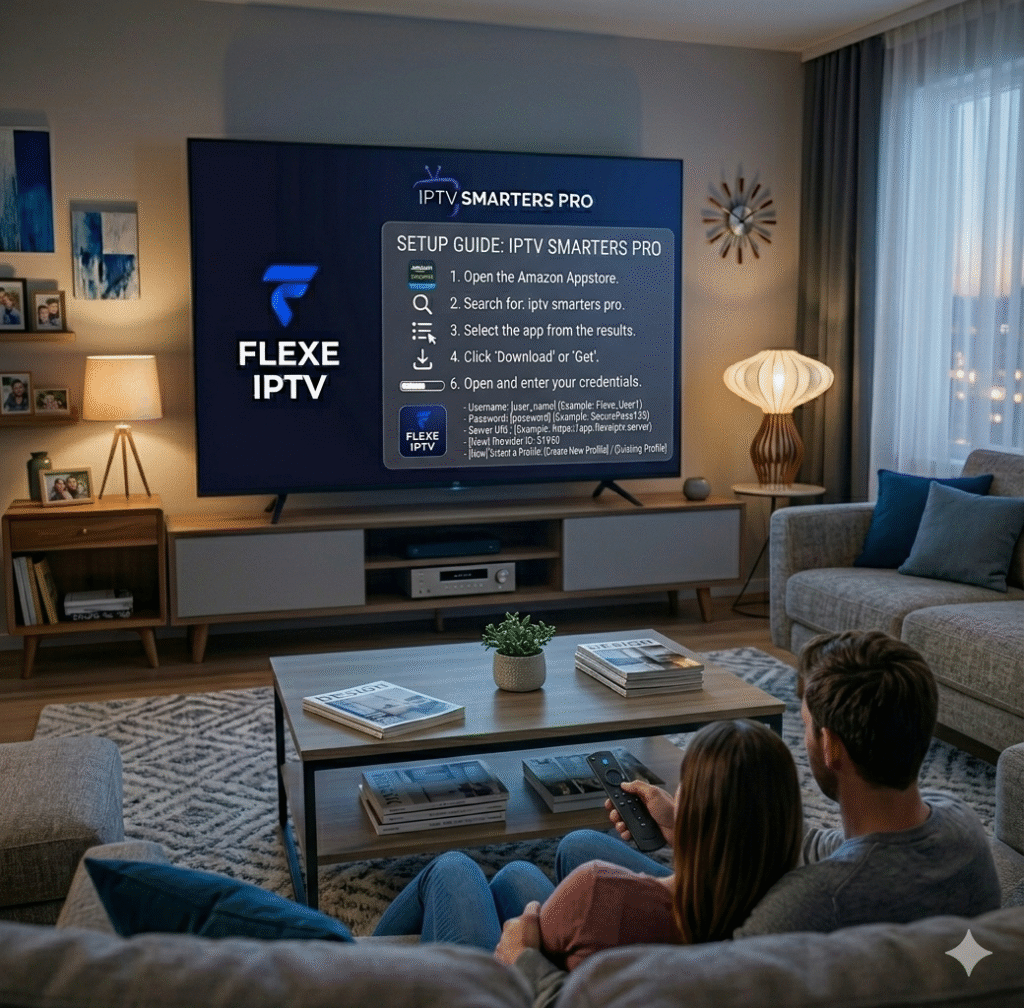
Now you know exactly how to download IPTV Smarters on Firestick and start streaming in minutes.
👉 For the best experience, use a stable service like Flexe IPTV and enjoy smooth, high-quality streaming.
 English (United States)
  French (France)
  German
  Spanish
  English (UK)
  English (Canada)
  Arabic
  Dutch
Dutch  French (Canada)
  Italian
  Swedish
  Norwegian
  Norwegian
  Icelandic